
You do not need all of these. This is what I have ended up with after a lot of trying and dropping, and nearly all of it has a free tier you can start on.
It is grouped by the job it does, so you can jump to the bit you actually need: talking instead of typing, design, notes, video, getting web data into AI, automation, building, and ads.
Talk instead of type
Wispr Flow
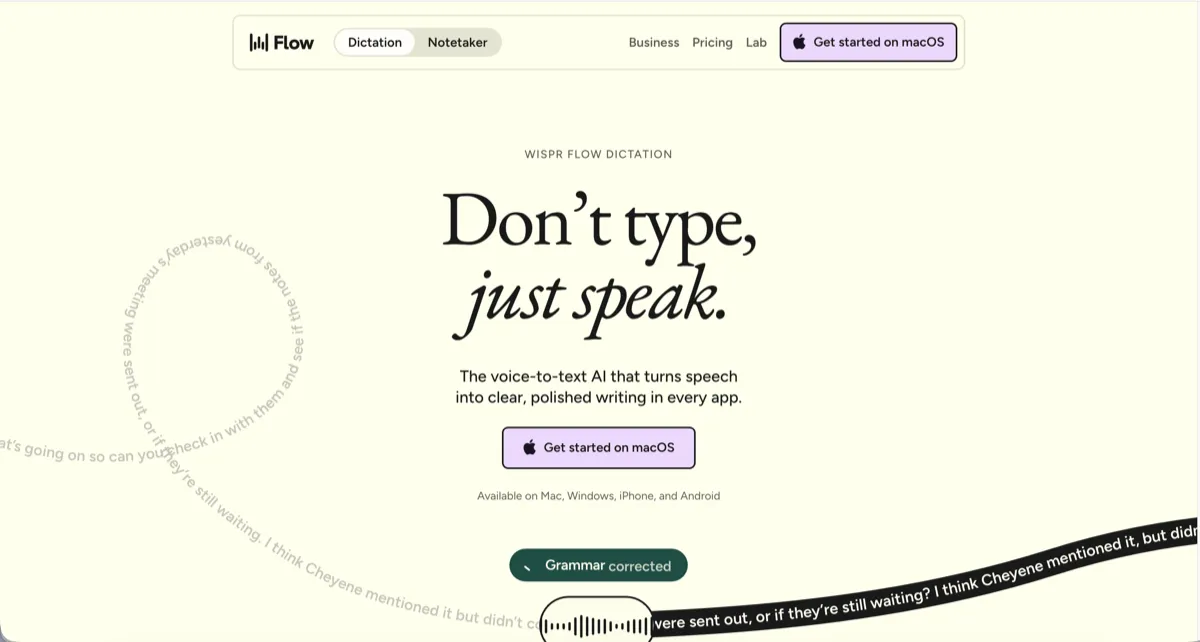
AI dictation that types cleaned-up text into any app, email, notes, Slack, editors, and strips out the ums and false starts as you go.
Hand off real work
Grok bot
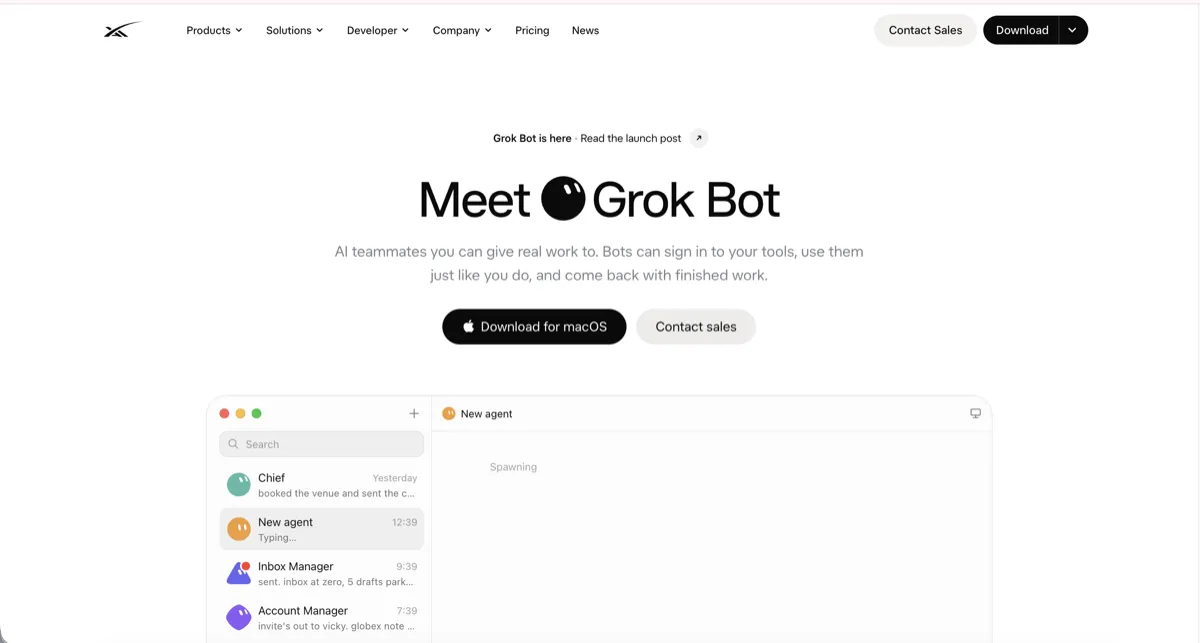
AI teammates you give real jobs to. You describe the task, they use your connected tools to do it, and they come back with the finished work rather than just an answer to copy out.
Design and visuals
Canva
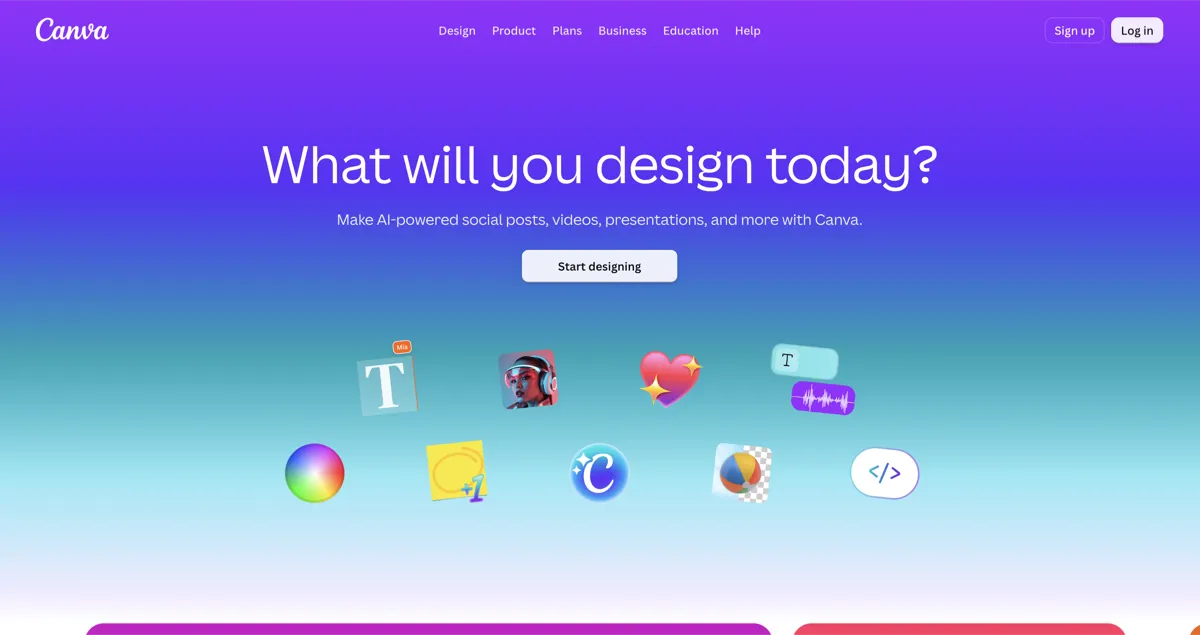
Drag-and-drop design for social posts, slides and simple video, with a set of Magic AI tools for writing, images and quick edits.
Figma
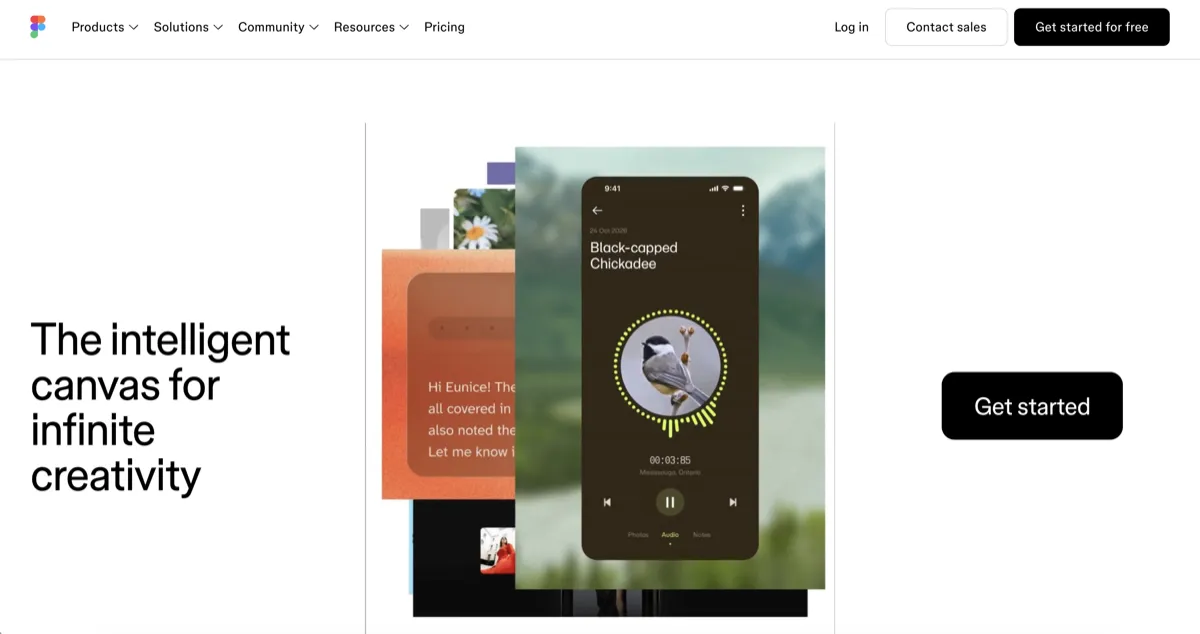
The proper design tool for interfaces and mockups. Figma Make turns a prompt into a working prototype, and its AI runs on a credits system.
Notes and knowledge
Notion
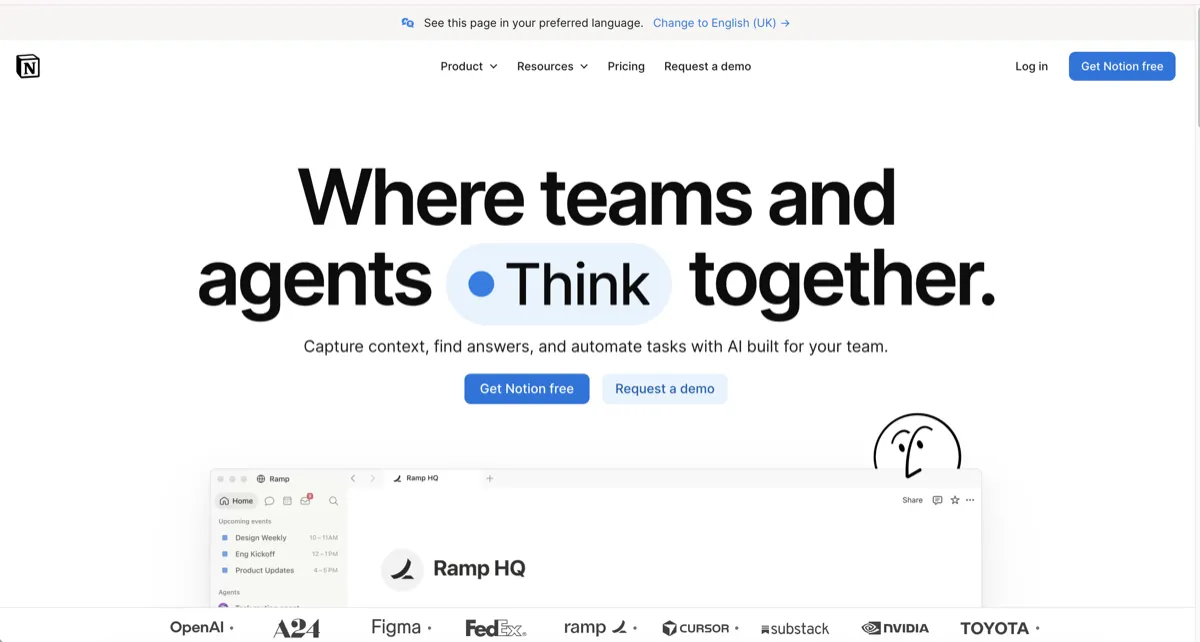
One home for notes, docs and trackers, with Notion AI that can answer from your own pages, draft and summarise, and fill in databases.
Granola
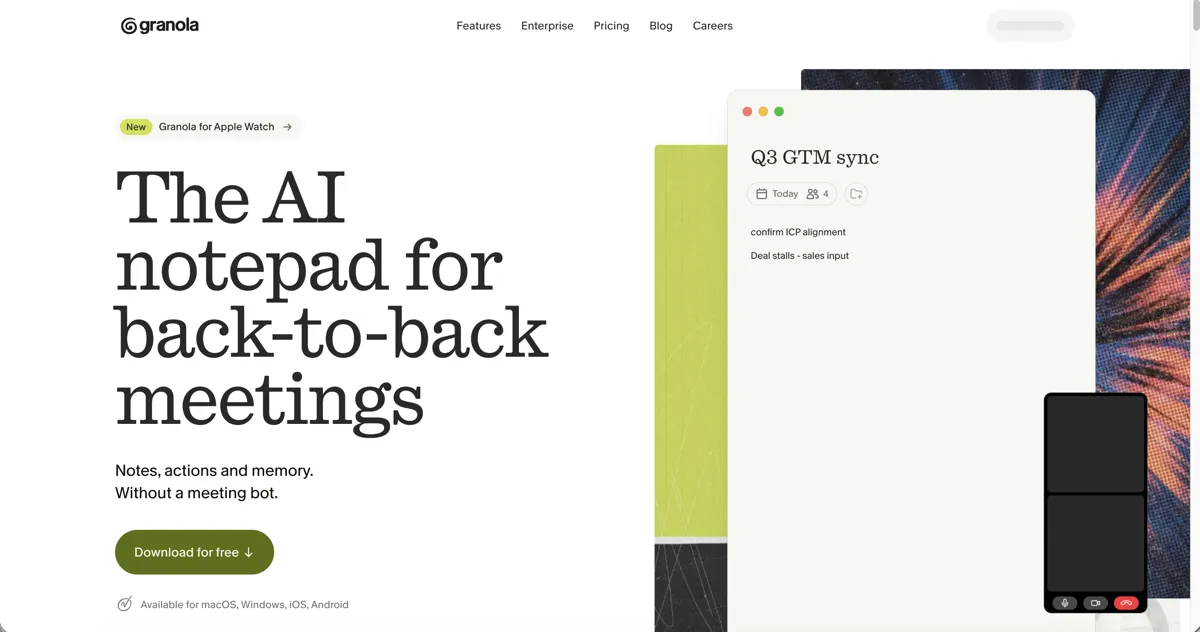
Transcribes meetings straight from your Mac's audio, with no bot joining the call, then turns your rough notes into a clean summary with action items.
Video
CapCut
Video editor for short-form content, with AI captions, voiceovers, background removal and clean-up, on desktop, web and phone.
Ads
Meta Ads Manager
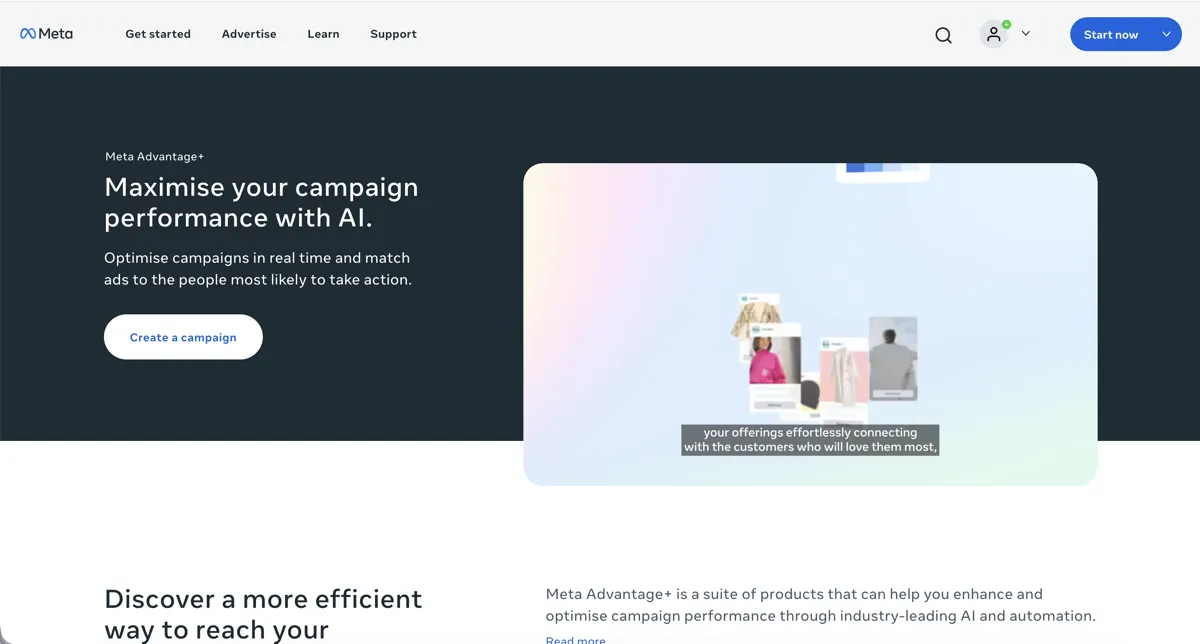
Where you run Facebook and Instagram ads. Its Advantage+ layer uses AI to handle audience, placement, budget and creative variations. It is an ad platform, so you pay for the ads.
Get web data into AI
Firecrawl
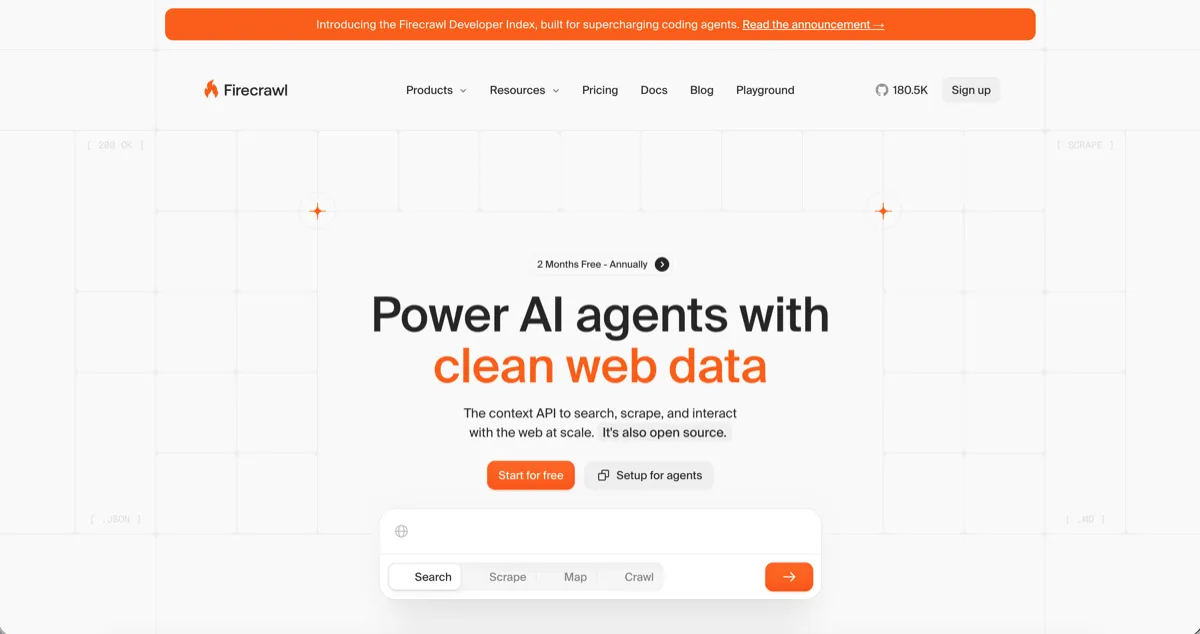
Gives AI clean web pages: it turns a URL, or a whole site, into tidy text an AI can actually work with. The simplest way to feed real pages into a model.
Apify
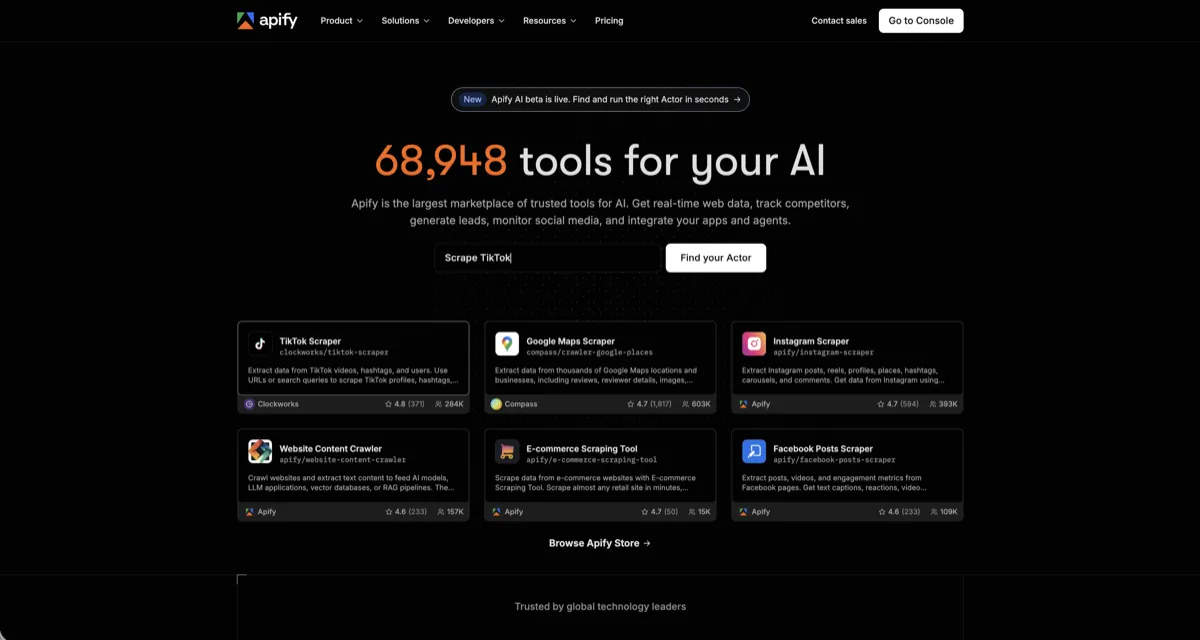
A marketplace where you rent a ready-made scraper for a specific site, social, maps, listings, and harder targets, rather than building one yourself.
Automate the repetitive bits
Zapier
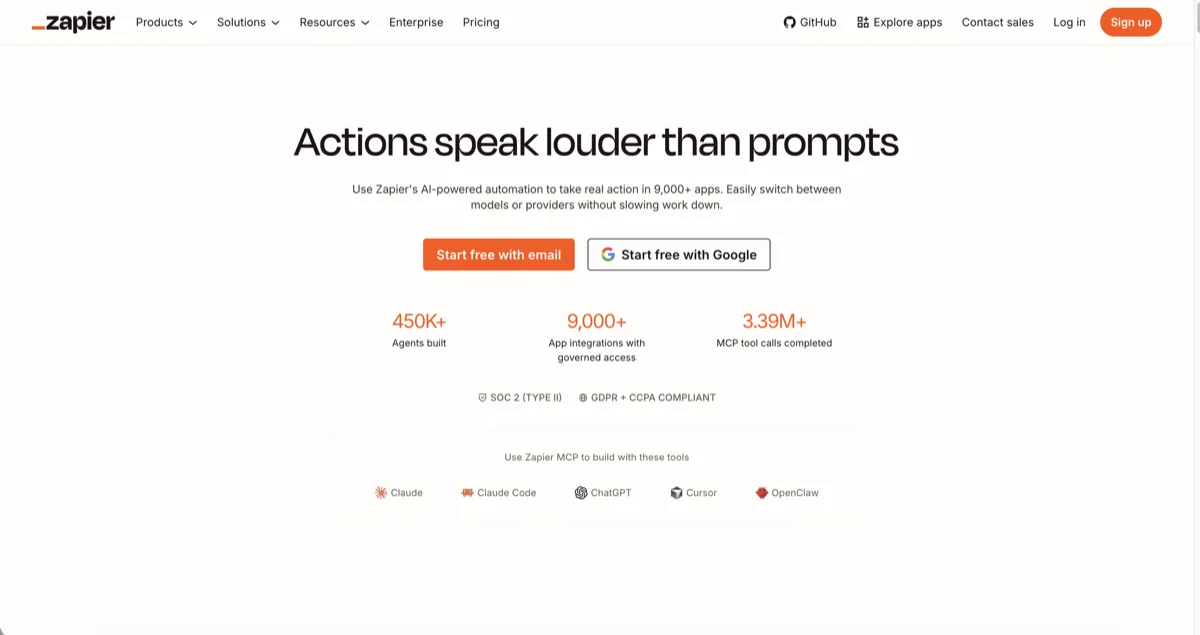
No-code "when this happens, do that" between thousands of apps. Best for simple connections you want running without any setup.
n8n
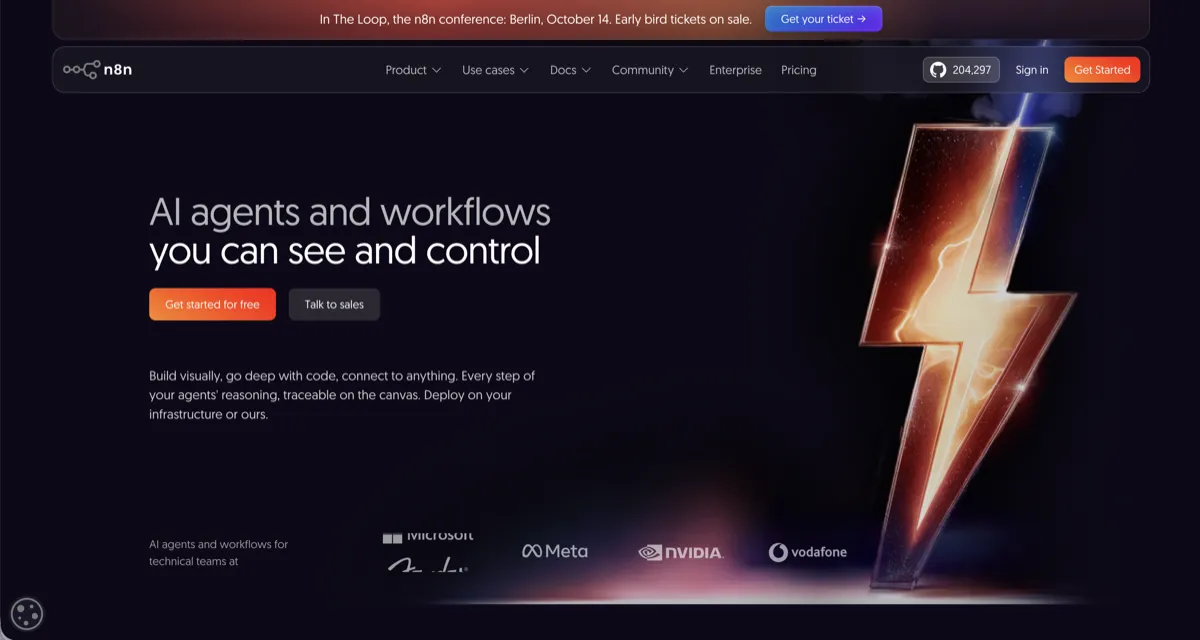
Visual automation for chaining real steps, scrape, then AI, then store, then notify. The self-hosted version is free and open source with no task cap.
Build and ship
Manus
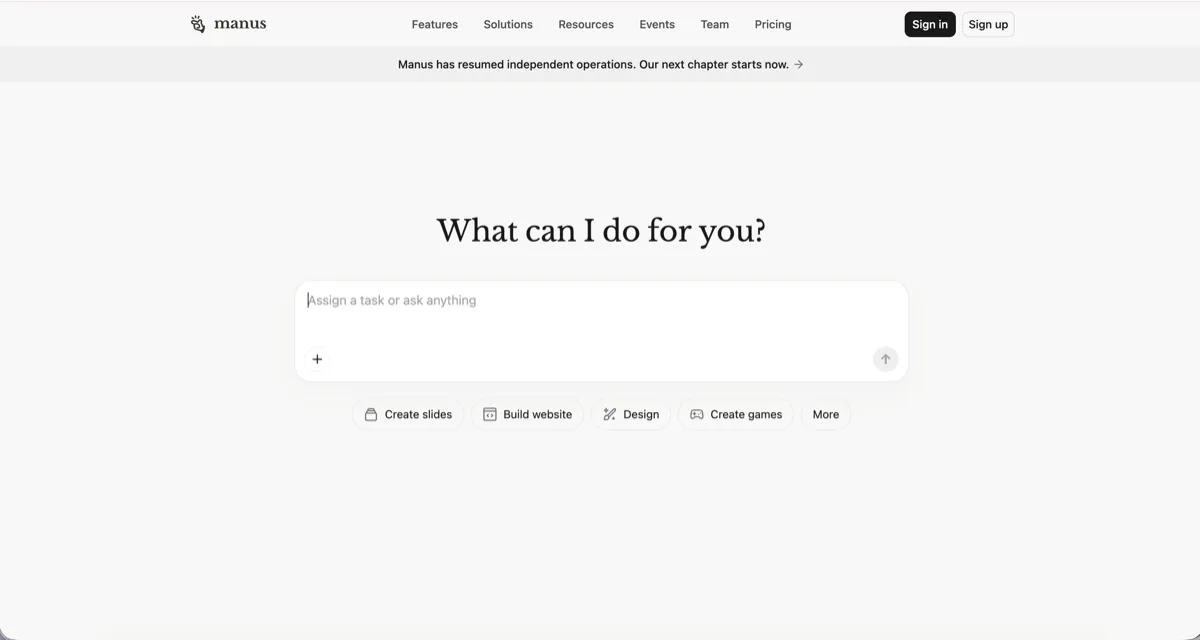
An AI agent you hand a whole task to. Describe what you want, a site, slides, a small app, and it works through the steps and does it, rather than just chatting.
Vercel
Where a website or app goes to get put live. Its AI tool v0 turns a description into working code you can deploy, and Vercel hosts it.
GitHub
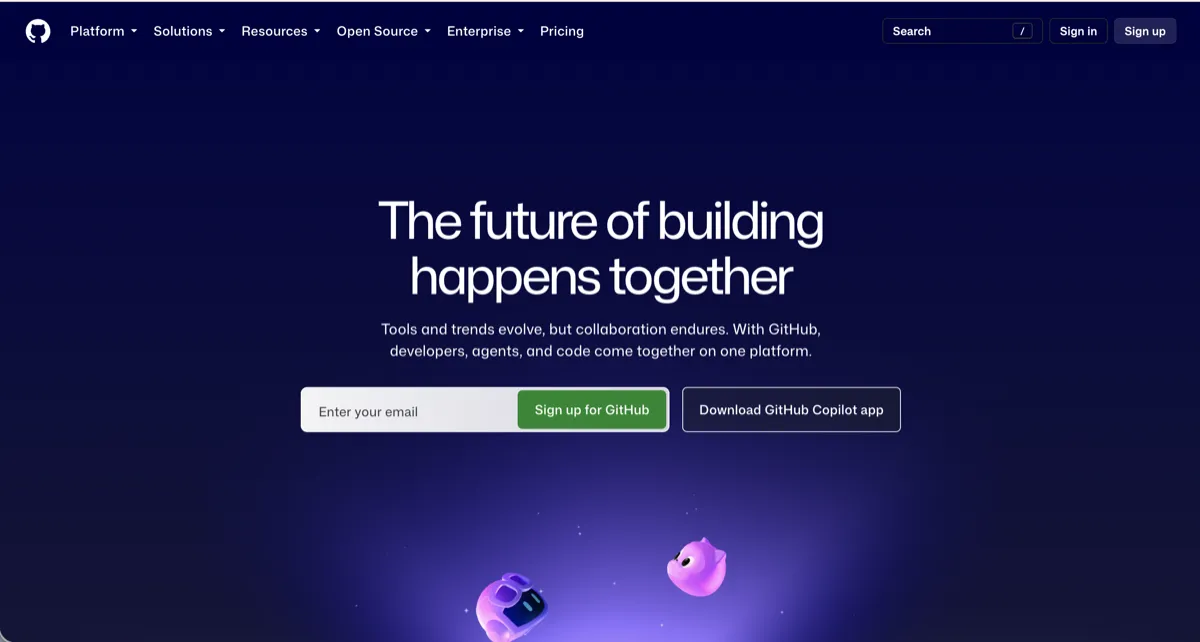
Where code lives, and home to GitHub Copilot, the AI assistant that suggests and explains code inside your editor.
How they fit together
These earn their keep when you chain them. A real job usually strings a few of these together:
- Idea to result. Dictate an idea with Wispr Flow, pull the pages you need with Firecrawl or Apify, run them through an AI, and let n8n or Zapier move the result where it needs to go.
- Meeting to action. Granola for the notes, then Zapier into Notion.
- Build and ship. Manus or v0 for the first version, Vercel to put it live, GitHub and Copilot to keep working on it.
The honest bit
Nearly all of these have a free tier worth starting on, and that is the part to act on: pick one, use its free version on a real job, and only pay when it is clearly earning it.
Two honest flags. Meta Ads Manager is not a free app, you pay for the ads it runs. And free tiers keep getting tighter, so the limit you read here may already have shrunk by the time you sign up, which is why each card links to the tool so you can check the current one.
Start with one
Do not go and sign up for all of these tonight. Pick the single job that annoys you most, writing by hand when you could talk, notes you never tidy up, the same copy-paste every week, and set up the one tool that fixes it. Get that into your week, then come back for the next.
If you want the ground rules for using any of them well, the AI learning roadmap is the calm order to do it in.
Questions people ask
Which AI tool is best for creating workflows?
For simple "when this happens, do that" connections between apps, Zapier. For chaining real steps, such as scrape, then AI, then store, then notify, n8n, whose self-hosted version is free and open source with no task cap.
Are these tools free?
Most have a free tier worth starting on, including Canva, Notion, Firecrawl, Wispr Flow, CapCut, GitHub Copilot and Vercel, and n8n is free if you self-host it. The clear exception is Meta Ads Manager, which is pay-per-ad-spend rather than a free app. Free tiers also tend to tighten over time, so check the current limit before you commit.
Do I need all of these?
No. This is a full stack built up over time, not a shopping list. Start with the one that fixes your biggest daily annoyance, use it until it sticks, and add the next only when you feel the need.
What is the difference between Firecrawl and Apify?
Firecrawl gives AI clean web pages as text, so it is best when you want tidy, model-ready content from a page or site. Apify is a marketplace where you rent a ready-made scraper for a specific site, so it is best for social, maps or listings and harder targets.