
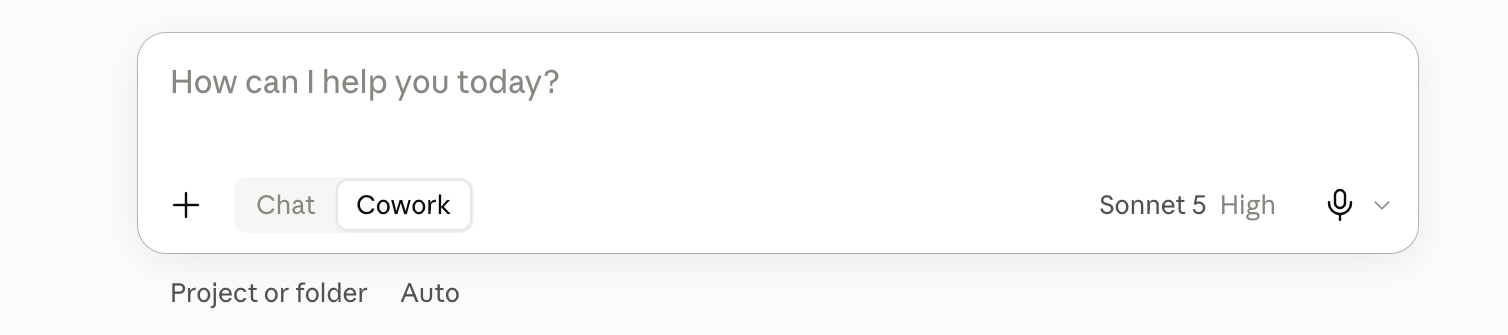
Go to claude.ai and make an account. That is the whole setup, and it is free to start, so the rest of this guide is about what to do in the box once you are staring at it.

The five things to do first
- Give it a job, not a question. "Write me a message telling my landlord the boiler has been broken for a week and I want a date for the repair" beats "help with landlord". A question gets you an essay about landlords; a job gets you something you can send, because you have told it what finished looks like.
- Tell it who you are once, at the start. Your work, who you are writing for, how you like things to sound. Claude has no idea unless you say, and one paragraph of context is the difference between a generic answer and one that fits your actual life. The setup block below does this for you.
- Upload the real file instead of describing it. Drag in the document, the spreadsheet, the screenshot, the PDF. Everything you paraphrase is a chance to lose the detail that mattered, so hand it the thing itself and ask your question about it.
- Ask it what it is not sure about. End with "tell me the one part of this you are least confident about". It will point at its own weak spot most of the time, and that is far more useful than a confident answer you have no way of checking.
- Start a new chat when the old one goes stale. Long chats drift, repeat themselves, and start ignoring instructions from earlier. A fresh chat with a fresh paste of your context is almost always sharper than nursing a tired one back to health.
The First Chat setup block
Paste this at the top of a new chat, fill in the brackets, and every answer after it lands closer. If you want it to apply every time without pasting, put it in a Claude Project, which is a folder that keeps instructions and files loaded across all the chats inside it.
Here is who you are working with. Keep this in mind for everything in this chat.

About me: [YOUR JOB OR SITUATION IN ONE LINE. For example: I run a small bakery and do everything myself. Or: I am an accountant at a mid-size firm and I write a lot of client emails.]

What I am usually trying to do: [THE KIND OF WORK YOU WILL BRING HERE. For example: emails to clients, planning my week, working out what a document actually means, writing captions.]

Who my writing is usually for: [WHO READS IT. For example: customers who are not technical, my team, my landlord, strangers on Instagram.]

How I want you to talk to me:
1. Give me the answer first, then the reasoning if I need it. Do not warm up.
2. Use plain words. If a normal person would not say it out loud, do not write it.
3. Ask me a question when the answer would genuinely change what you produce. Otherwise make a sensible choice and tell me what you assumed.
4. Never invent a fact, a number, a name, a price, or a source. If you do not know or I have not told you, say so and leave a clear gap for me to fill.
5. When you finish something I might send or publish, add one short line at the end saying the part you are least sure about.

If you have understood, reply with one short line and then wait for my first task.
An example of a good ask
Setup done. Here is the shape of a strong everyday prompt: the context, the actual task, the format you want, and one limit. Copy it, swap in your own, and you will feel the difference straight away.
Context: I run a small bakery and I am writing to a supplier I use every week.

Task: Write a short email asking them to move our Friday delivery to Thursday from next week, and to confirm the new time back to me.

Format: Four sentences or fewer, friendly but direct, ready to send as is.

One rule: Do not invent an order number, a name, or a price. If you need one, leave a clear gap for me to fill.
Where the line is
- The honest bit: it will sound just as confident when it is wrong. Claude does not have a different tone for "I know this" and "I am filling in the gap", which is exactly why rule five above exists.
- Anything with a name, a date, a price, or a legal consequence in it gets checked by you. Before it leaves your hands, not after.
Do one real thing with it today
Do not go looking for a clever use. Take the thing you have been putting off this week, the awkward email or the document you have not read, paste the setup block, then paste the task underneath. Five minutes, and you will know whether this is worth your time far better than any tutorial can tell you.
If you want to know what a "skill" is and why people keep saying it, read What an AI skill is and how to load one in Claude.