
Go to claude.ai and make an account. That is the whole setup, and it is free to start, so the rest of this guide is about what to do in the box once you are staring at it.
To get started with Claude, go to claude.ai and make a free account, run the five moves that make it useful in the first hour, and paste in a short setup block once so it answers you like it knows you rather than a stranger.
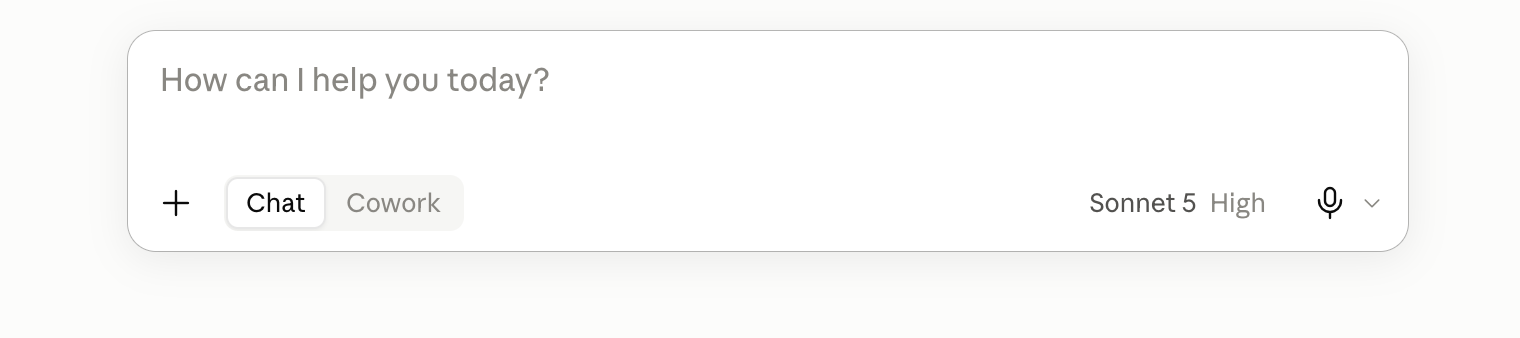
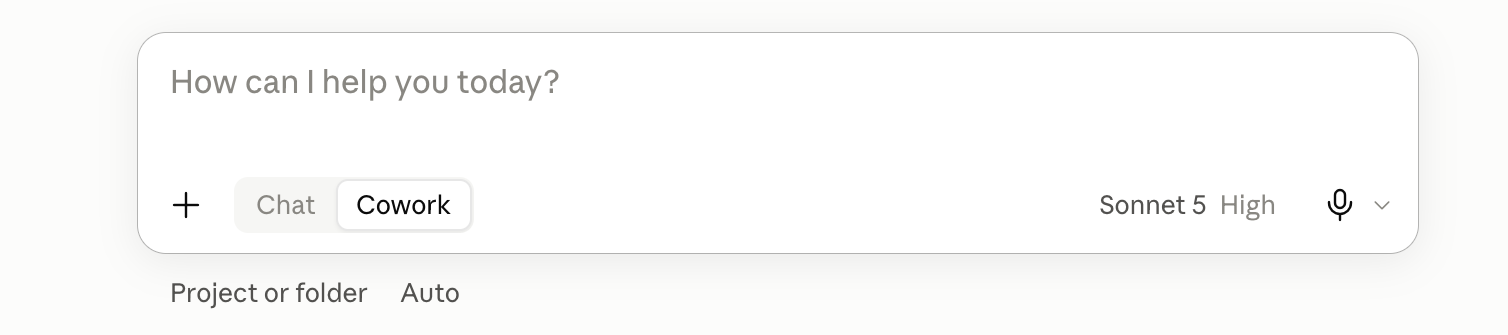
The five things to do first
- Give it a job, not a question. "Write me a message telling my landlord the boiler has been broken for a week and I want a date for the repair" beats "help with landlord". A question gets you an essay about landlords; a job gets you something you can send, because you have told it what finished looks like.
- Tell it who you are once, at the start. Your work, who you are writing for, how you like things to sound. Claude has no idea unless you say, and one paragraph of context is the difference between a generic answer and one that fits your actual life. The setup block below does this for you.
- Upload the real file instead of describing it. Drag in the document, the spreadsheet, the screenshot, the PDF. Everything you paraphrase is a chance to lose the detail that mattered, so hand it the thing itself and ask your question about it.
- Ask it what it is not sure about. End with "tell me the one part of this you are least confident about". It will point at its own weak spot most of the time, and that is far more useful than a confident answer you have no way of checking.
- Start a new chat when the old one goes stale. Long chats drift, repeat themselves, and start ignoring instructions from earlier. A fresh chat with a fresh paste of your context is almost always sharper than nursing a tired one back to health.
Tell Claude who you are, once
Paste this at the top of a new chat, fill in the brackets, and every answer after it lands closer. The first half tells Claude who it is working with, the second half names the jobs you bring and walks it through how to think before it writes.
If you want it to apply every time without pasting, put it in a Claude Project, which is a folder that keeps instructions and files loaded across all the chats inside it.
Here is who you are working with. Read it once and keep it in mind for everything in this chat.

WHO I AM
- What I do, in real terms not a job title: [the actual shape of your days and how much room you have, because that is what changes the answer. For example: I run a two-person bakery in Bristol and do all the admin myself, in the gaps between baking. Or: I am a parent of two going back to work after five years out, still finding my feet with the jargon.]
- How much time I have: [so answers come the right size, for example: I am always short on time and reading on my phone, so I want things I can use without a second draft.]
- The English I write in: [for example: UK spelling always, pounds for money, never American.]

WHAT I KEEP BRINGING YOU
[The handful of jobs you will land here with again and again, named plainly, so you stop guessing what I am here for. Two or three real ones beat a long vague list. For example: replies to customers and suppliers, captions for Instagram, planning my week when it has got away from me, and working out what an official letter is actually asking me to do.]

WHO READS WHAT I WRITE
[Who is on the other end of your writing, because that sets how formal to be and what to leave out. Name them as they really are, more than one if it varies. For example: local customers scrolling on their phone who want warmth and speed, and the supplier I chase most weeks who I know well enough to be blunt with.]

HOW I SOUND
- My voice, with a real example rather than an adjective: [do not just say "professional", say how you actually sound. For example: warm but direct, short sentences, no corporate filler, the way I would say it across the counter.]
- The length I want back by default: [for example: short and ready to use; if a line would do, do not give me a paragraph.]

WHAT I NEVER WANT
[Your no-list, specific, because it is the fastest way to sound like you. For example: no emoji, no hashtags, no exclamation marks, no American spelling, no long wind-up before the point, and never promise a customer a date I have not set.]

WHEN I BRING YOU SOMETHING, these are the jobs I actually land here with:
1. DRAFT SOMETHING I CAN SEND. When I give you a job, a message, an email, a caption, write the finished thing in my voice, ready to use, not an essay about the topic. If I did not say how long, keep it short.
2. MAKE SENSE OF THIS. When I paste a message or upload a file, first tell me in one line what it really wants under the surface, then do the useful thing: draft my reply, or pull out the parts that matter. Do not just explain it back to me.
3. HELP ME WORK OUT WHAT I WANT. When I clearly have not decided what I am after, ask me one or two short questions that would change your answer before you write, one at a time, rather than guessing.

BEFORE YOU ANSWER, run these four steps in your head, quickly, and do not show me the working:
1. Work out what I actually need. Read past the words to the real job. If you genuinely cannot tell what the finished thing is, ask me one short question first. Otherwise carry on.
2. Decide the shape. Settle the format, the length and the tone before you draft, from what I asked and what you know about me above. If I did not say, keep it short and ready to send.
3. Draft it in my voice, to the shape you just settled.
4. Check it before you hand it over. Read it back once. Cut any warm-up line, any word I would not say out loud, and anything you made up. On anything I might send or publish, end with one short line naming the part you are least sure about.

Then, whatever the job:
- Answer first, reasoning after and only if I need it. Never open with "Great question" and never restate my question back to me.
- Plain words, [your spelling preference], [your currency] for money. If a normal person would not say it out loud, do not write it.
- Never invent a fact, a number, a date, a price, a name or a source. If you do not know it, or I have not told you, say so and leave a clear gap for me to fill.

If you have understood, reply with one short line and then wait for my first task.
And here it is filled in once, so you can see how much to write. Copy this, swap in your own lines, and you are done.
Here is who you are working with. Read it once and keep it in mind for everything in this chat.

WHO I AM
I run a two-person bakery in Bristol and do all the admin, the emails and the Instagram myself, usually late once the shop is shut. I am always short on time and reading on my phone, so I want things I can send without a second draft. UK spelling always, pounds for money.

WHAT I KEEP BRINGING YOU
Replies to supplier and customer emails, captions, planning the week's bakes, and working out what the odd official letter is actually asking.

WHO READS WHAT I WRITE
Local customers scrolling on their phone who want warmth and speed, and suppliers who want a quick, clear ask.

HOW I SOUND
Warm but direct, short sentences, no corporate filler, the way I would say it across the counter. Short and ready to send by default.

WHAT I NEVER WANT
No emoji, no hashtags, [your punctuation nos], [your spelling preference], no long wind-up before the point, and never promise a customer a date I have not set.

WHEN I BRING YOU SOMETHING: draft the finished thing ready to send, or if I paste a message tell me what it really wants then draft my reply, and if I clearly have not decided what I want, ask me one or two short questions first.

BEFORE YOU ANSWER: work out what I really need, settle the shape and length, draft it in my voice, then read it back and flag the part you are least sure about.

Then, whatever the job:
- Answer first, no warm-up, no summary tacked on the end.
- Plain words, [your spelling preference], [your currency] for money.
- Never invent a price, a date, a name or a source. Leave a clear gap for me instead.

If you have understood, reply with one short line and then wait for my first task.
Here is the difference the block makes, roughly. Ask "help me reply to this customer" cold and you get a long, careful, faintly corporate paragraph that could be from anyone.
Ask the same thing after the block and you get four plain sentences in UK English, ready to send, with a line at the end flagging the one bit it guessed. Same model, same question, and the block is the only thing that changed.
Or have Claude write the block for you
Staring at the brackets and not sure what to put? Let Claude interview you and write your block for you. Paste this into a fresh chat, answer its questions, and it hands you a finished setup block to save. You edit from a draft instead of a blank page.
I want a setup block I can paste at the start of every chat, or save in a Claude Project, so you always know who you are working with. Interview me first, then write it.

Ask me these one at a time, and wait for each answer before the next:
1. What do you do, and what will you mostly use me for?
2. Who reads the things you write?
3. How do you want me to talk to you: any words, tones or habits you like or cannot stand?
4. Is there anything I should never do?

When you have my answers, write the block in plain language: who I am, what the work is, who it is for, and a short numbered list of how to reply. That list must include: answer first with no warm-up, plain words, never invent a fact and leave a clear gap instead, and end anything I might send by naming the part you are least sure about.

Keep it short. Then show it to me and ask if anything is off before I save it. Do not invent any detail I did not give you.
Once it is written, save it in your custom instructions or a Project so it applies on every chat. Rule of thumb: paste it per chat for the first week while you tweak the wording, then once it stops changing, save it and forget it.
For the voice side specifically, so drafts sound like you, the write in my voice guide has the paste-in method.
An example of a good ask
Setup done. Here is the shape of a strong everyday prompt: the context, the actual task, the format you want, and one limit. Copy it, swap in your own, and you will feel the difference straight away.
Context: I run a small bakery and I am writing to a supplier I use every week.

Task: Write a short email asking them to move our Friday delivery to Thursday from next week, and to confirm the new time back to me.

Format: Four sentences or fewer, friendly but direct, ready to send as is.

One rule: Do not invent an order number, a name, or a price. If you need one, leave a clear gap for me to fill.
Not sure what you want? Let it ask you
Half the time the hard part is knowing what you actually want before you can even write the prompt. Rather than guess and hope, tell Claude to interview you first: "Before you write this, ask me the questions that would change your answer."
It is the same trick as the setup block above, pointed at one task instead of the whole chat. It pulls the missing details out of you, one or two at a time, and what comes back lands far closer than a blurry first ask ever would.
Where the line is
- The honest bit: it will sound just as confident when it is wrong. Claude does not have a different tone for "I know this" and "I am filling in the gap", which is exactly why rule five above exists.
- Anything with a name, a date, a price, or a legal consequence in it gets checked by you. Before it leaves your hands, not after.
Do one real thing with it today
Do not go looking for a clever use. Take the thing you have been putting off this week, the awkward email or the document you have not read, paste the setup block, then paste the task underneath. Five minutes, and you will know whether this is worth your time far better than any tutorial can tell you.
If you want to know what a "skill" is and why people keep saying it, read What an AI skill is and how to load one in Claude.
A few quick questions
Is Claude free to use?
Yes, there is a free plan you can start on straight away at claude.ai. Paid plans add more usage and the Cowork tab for longer hands-on sessions, but you do not need them to do everything in this guide.
Do I have to paste the setup block into every chat?
No. Paste it at the top of a chat for a one-off, or save it once in your custom instructions or a Claude Project so it applies to every chat without pasting.
What should I do first with Claude?
Give it a real job rather than a vague question, tell it who you are once using the setup block, and upload the actual file instead of describing it. Then ask it what it is least sure about before you use the answer.