
There is no export button, so ignore anyone promising one. What there is: a list of things ChatGPT has remembered about you, and the custom instructions you once wrote, both sitting in your settings ready to copy. You lift that text out, run it through the prompt below so it comes out clean instead of messy, and save it into Claude. That is the whole move.
To move your ChatGPT memory into Claude, copy your saved memories and custom instructions out of ChatGPT settings, tidy them into one profile with a prompt, then save that to Claude Memory or a Project.
How to carry it across
- Find what ChatGPT has saved. In ChatGPT, open Settings, then Personalization, then Manage memories. That list is everything it remembers about you. Read it, because some of it will be stale or oddly specific, and copy the lines worth keeping.
- Grab your custom instructions too. Still in Settings, open Customize ChatGPT. The answers there, what you want it to know about you and how you want it to reply, are the other half of your context. Copy those as well.
- Tidy it with the prompt below. Paste everything you copied into a chat under the prompt, and it turns a messy dump into one clean profile: who you are, what you do, how you like replies. This matters because a raw copy is repetitive and full of noise, and a tidy block is what Claude uses well.
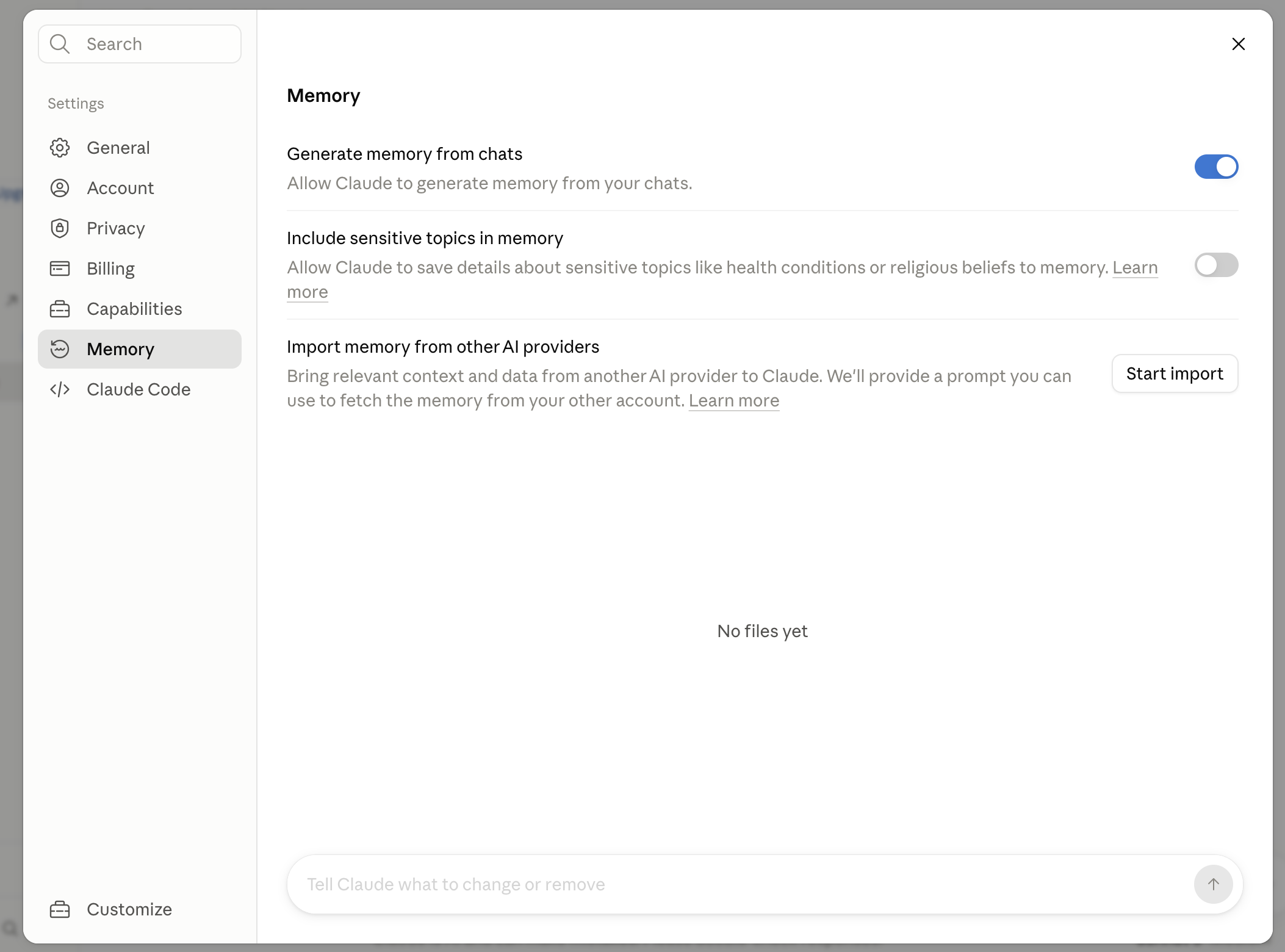
- Save the tidy version into Claude. Take the clean profile and either drop it into Claude and say "remember this about me" so Memory keeps it, or paste it into a Project's instructions. Now every Claude chat starts knowing what ChatGPT knew.
- Read it before you paste, and cut the sensitive bits. Memories can hold things you have forgotten you said. Skim the list and drop anything private or anything no longer true, so you carry across the useful context and nothing else.
The tidy-up prompt
Paste this into Claude, then paste your copied ChatGPT memories and custom instructions underneath. It hands you back one clean profile block you can save.
Below is a raw copy of what ChatGPT had saved about me: its saved memories and my custom instructions. It is repetitive and messy.

Turn it into one clean profile I can reuse, under these exact headings, and nothing else:

About me: one or two lines on my job or situation.
The work I usually bring you: the kinds of tasks I do.
Who my writing is for: who reads what I make.
How I want you to reply: a short numbered list of my style rules.
Things I never want: my no list.

Rules for you:
- Only use what is actually in the text below. Do not invent anything to fill a heading. If a heading has nothing, write "not specified" and leave it for me.
- Merge duplicates and drop anything that is clearly stale, trivial, or a one-off.
- Flag back to me, in a short list at the end, anything that looked private or sensitive so I can decide whether to keep it.
- Keep it plain and short. No preamble.

Here is the raw text:
[PASTE YOUR CHATGPT MEMORIES AND CUSTOM INSTRUCTIONS HERE]
Where the line is
- The honest bit: there is no real export, so this is a copy job. You are moving text by hand, not syncing an account. That is also why it is safe, you see everything that crosses over.
- Check the memories before they travel. ChatGPT saves more than you remember telling it. Read the list and leave anything private or out of date behind.
Do it now, in five minutes
Open ChatGPT settings, copy your memories and custom instructions, paste them under the prompt in Claude, and save the tidy block it gives you. Start a fresh Claude chat and ask what it knows about you. If it plays your context back, you have moved across without losing a thing.
Want to understand the place you are saving it to first? Read how to make Claude remember you without retyping.